Pyctures
Python 2D and 3D graphics, in the browser
Pyctures is designed to bring the joy back into programming, for any age and any level, a first program or a thousandth. Write a few lines of Python and see something move: shapes, animations, games, live charts and lit 3D scenes. Plain drawing functions get you started, and Python has the web's 2D canvas and three.js, with the same names as in JavaScript. Prefer JavaScript? pictures.js is its sibling: the same shape of program, in a plain .js file.
Free and open source, MIT licence. Python 3.9 or newer.
Try Pyctures in your browser
A circle crossing the picture. Change the 200 to change its speed, or the 40 to change its size, and press Run.
Open in CircuitryChange the code and press Run (or Cmd/Ctrl+Enter). Python runs in your browser; the first run loads it, which takes a few seconds.
Run it with your own Python
The smallest scene is three lines. draw() is called every frame, background paints the picture and circle draws a circle in the middle of it. Nothing of Pyctures needs importing.
def draw():
    background("midnightblue")
    circle(width / 2, height / 2, 80, "gold")
To make it move, keep a number and change it in update(dt), which is called before every draw(). Change the 200 and the circle crosses faster. This scene is the first tab in the box above.
x = 0

def update(dt):
    global x
    x += 200 * dt            # 200 points every second
    if x > width:            # off the right edge: start again on the left
        x = 0

def draw():
    background("midnightblue")
    circle(x, height / 2, 40, "gold")
Keys, the mouse, touch, sprites and games come the same way, a few lines at a time: the docs start with these steps. For everything the plain functions do not cover there is ctx, the web's own 2D drawing surface.
pyctures run hello.pypyctures build hello.py -o hello.htmlrun uses your own Python, so numpy and anything else you have installed works; save the file and the scene runs again. build makes a folder or a single page that runs Python in the browser, so it can go on any static host or in an email.
The same names as JavaScript
The calls are the web's 2D canvas and three.js calls, so any JavaScript graphics example comes across with a few small changes.
const cube = new THREE.Mesh(new THREE.BoxGeometry(1, 1, 1),
                            new THREE.MeshStandardMaterial({ color: 0x44aaff }));
scene.add(cube);
function animate() {
  cube.rotation.y += 0.01;
  renderer.render(scene, camera);
  requestAnimationFrame(animate);
}
animate();cube = THREE.Mesh(THREE.BoxGeometry(1, 1, 1),
THREE.MeshStandardMaterial(color=0x44aaff))
scene.add(cube)
def draw():
cube.rotation.y += 0.01
renderer.render(scene, camera)The full guide: bringing a JavaScript example across.
Files and databases
A scene can keep a value with save and load, write a file and read it back, and keep rows in a SQLite database. All of it is still there the next time the scene runs.
notes = load_text("notes.txt", "")

def on_key_down(key):
    global notes
    if len(key) == 1:
        notes += key
save_text("notes.txt", notes)db = open_database("scores")
db.run("create table if not exists best (name, points)")
db.run("insert into best values (?, ?)", "Ann", 12)
rows = db.query("select name, points from best order by points desc")With pyctures run they are real files beside the scene. On a web page the browser keeps them, for that scene alone, and nothing is sent anywhere. In the Circuitry app on an iPhone, iPad or Android device they are real files beside the scene, which you can see in the file browser. Files and databases, and every function by area in the function index.
Put scenes on your website
Each scene is a <div> naming a Python file. It fills its box, starts when it scrolls into view and pauses when it leaves. Python runs in a background thread, so a slow frame cannot hold up the page. The browser half is on npm as pyctures.
<div data-pyctures-src="balls.py"></div>
<div data-pyctures-src="knot.py" style="height: 420px"></div>
<script type="module" src="pyctures/pyctures.js"></script>
Built into Circuitry
In Circuitry's code editor a Python file shows its picture in a preview beside the code. Ask for a game or a 3D scene and a ready-made file opens and starts running. File → Export as Web Page saves a scene as one page that runs in any browser.
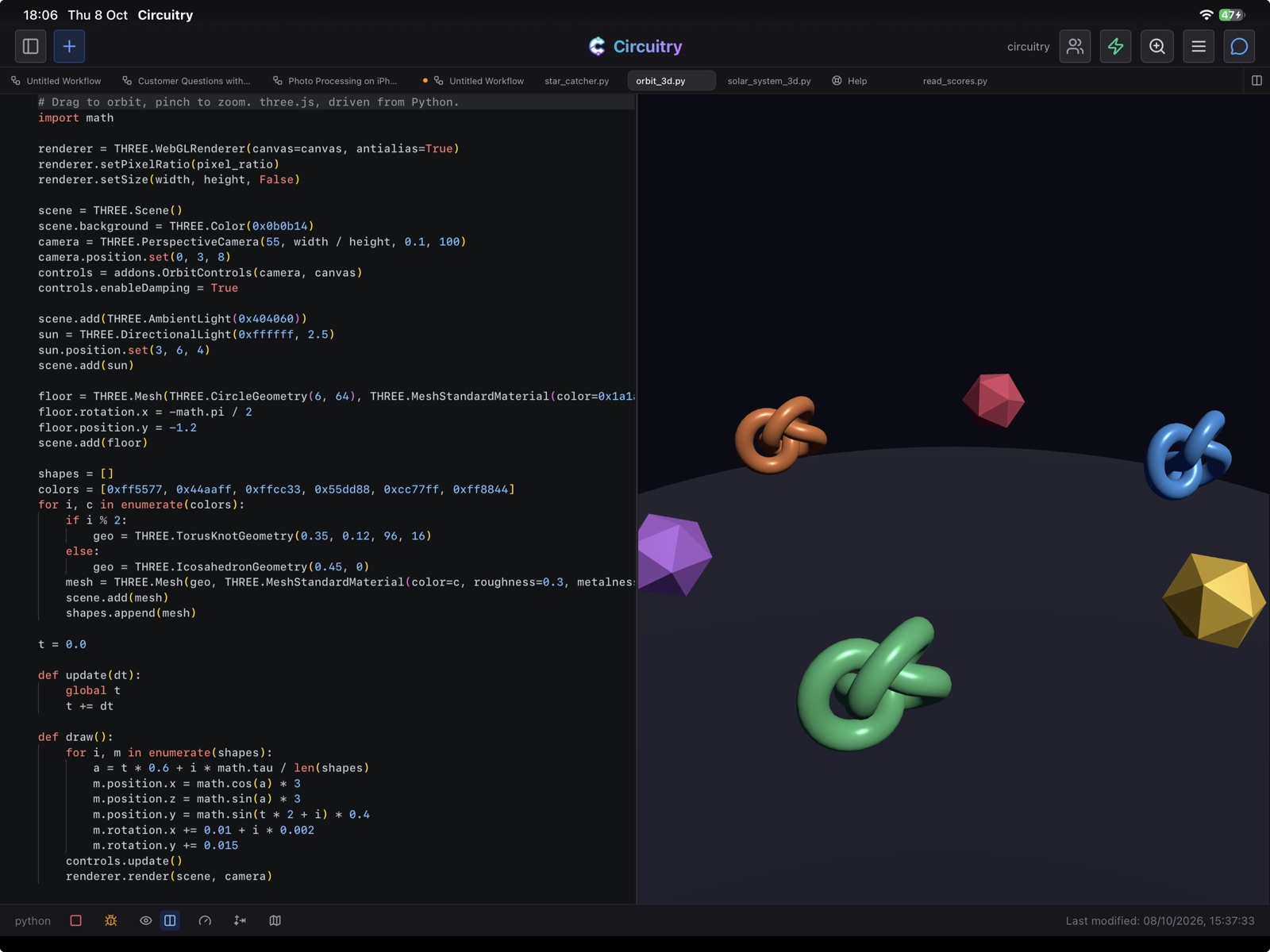
Open a scene in Circuitry
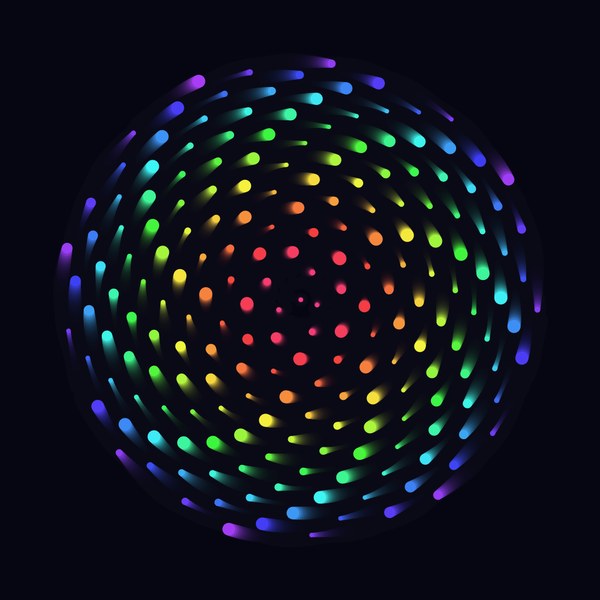
Spiral Garden
2D · Python
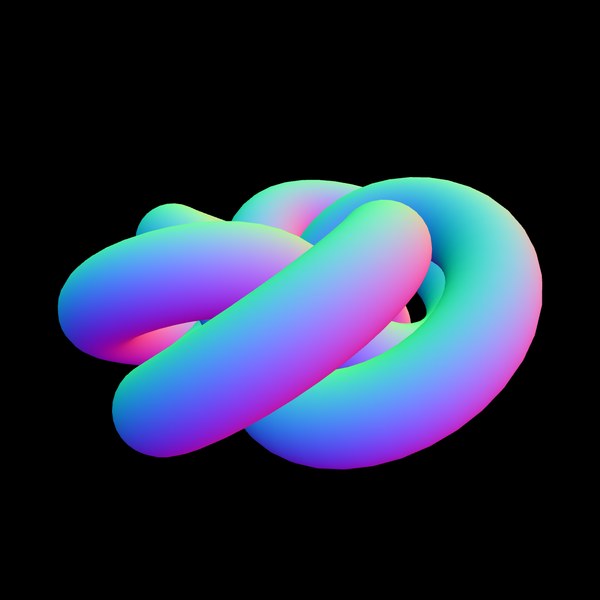
Torus Knot
3D · Python
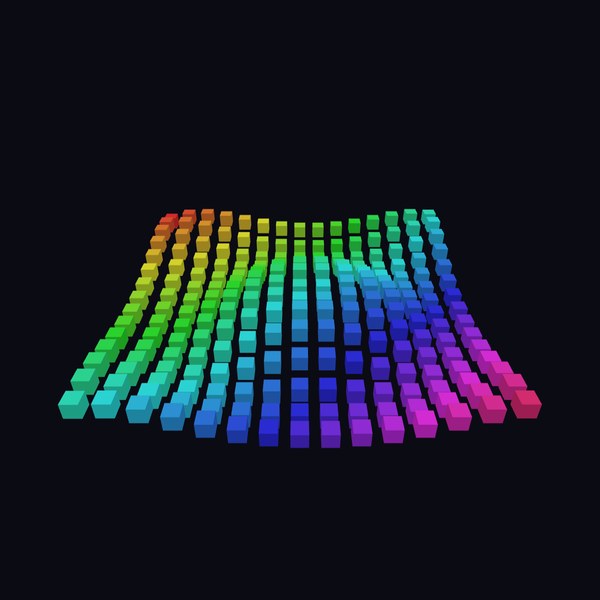
Wave Grid
3D · Python
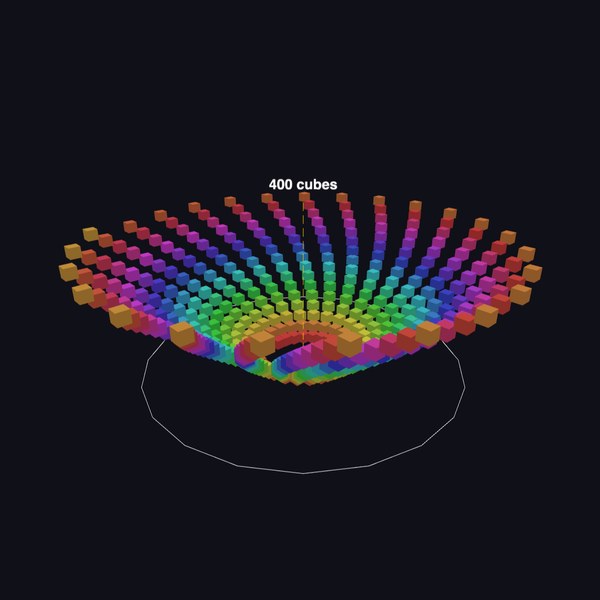
Cube Spiral
3D · Python

Starfield
2D · Python
More scenes, each with its code: the Pyctures gallery.